
How to Add Your Raenest Virtual Dollar Card to Google Play Store

Google Play is home to millions of apps, games, movies, books, and subscription services. Whether you're paying for YouTube Premium, upgrading to a paid version of your favourite app, or making an in-game purchase, you'll need a payment method linked to your Google Play account.
If you have a Raenest Virtual Dollar Card, adding it to Google Play only takes a few minutes. Once it's set up, you can use it for eligible purchases and recurring subscriptions without entering your card details every time.
Here’show to add your Raenest Virtual Dollar Card to Google Play Store
Step 1: Add Your Raenest USD Card to Google Play Store
To add your Raenest virtual dollar card to the Google Play Store, follow these simple steps:
- Go to Play Store on your device.
- Tap your profile icon.
- Select Payments & Subscriptions.
- Tap Payment Methods.
- Choose Add Credit or Debit Card.
- Enter your Raenest virtual dollar card details (card number, expiry date, and CVV).
Step 2: Change Your Play Store Country to the US
To make it easier to process USD payments, you can switch your Play Store country to the US. Here's how:
- Tap the country currently displayed.
- Select United States from the dropdown menu.
- Enter your zip code (postal code).
- Tap Continue.
Step 3: Find Your Raenest Card Details and Zip Code
To get the details you need from your Raenest account, just follow these steps:
- Log in to the Raenest app.
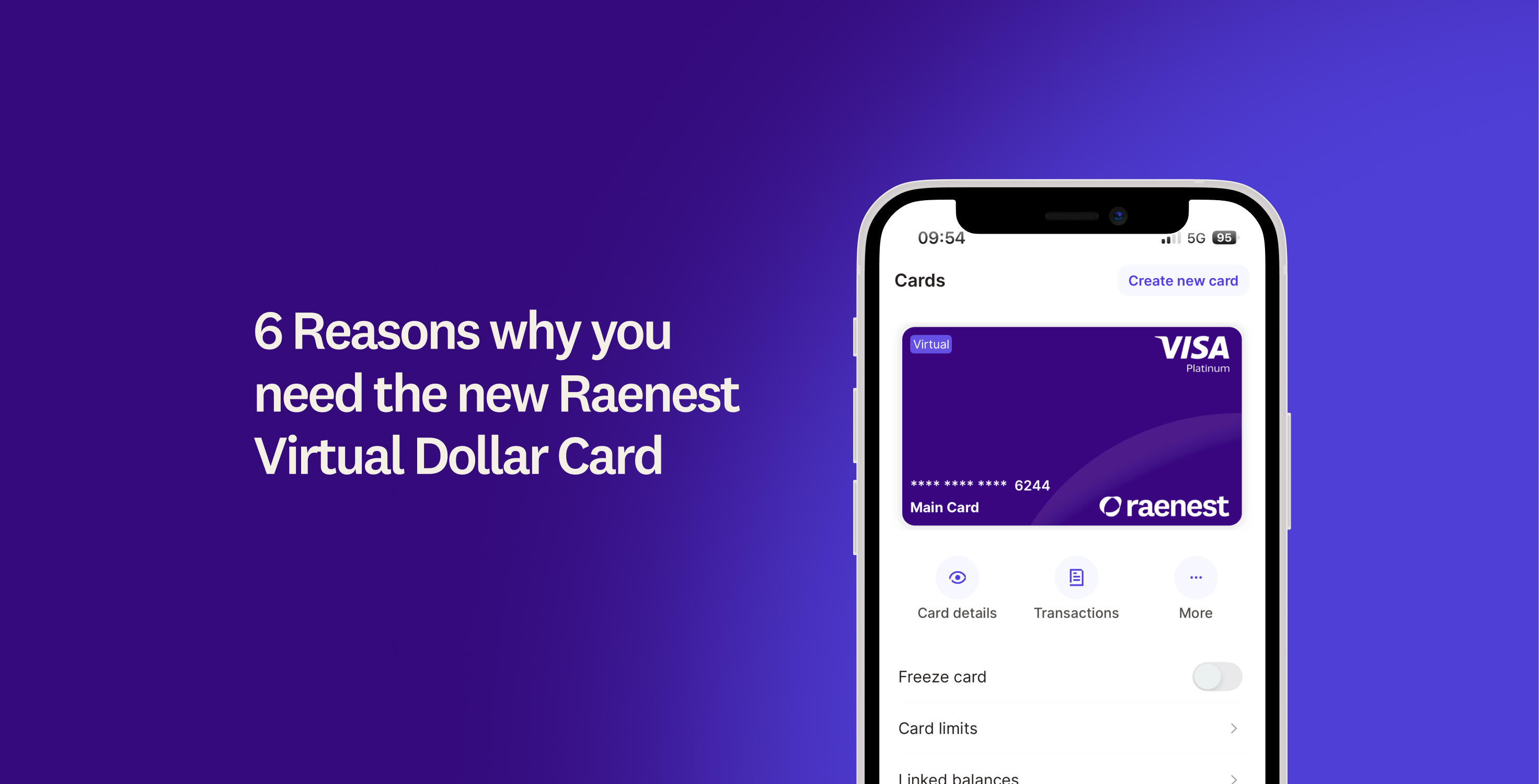
- Tap Cards.
- Select View Card Details—your card number, expiry date, and CVV will be displayed.
- Scroll down and tap View Billing Address to see your billing address, including your postal code.
- Copy this information and enter it in the credit/debit card section of the Play Store.
That’s it!
You’ve now successfully added your Raenest USD virtual card to the Google Play Store. You’re all set to make easy payments and manage subscriptions in USD. If you haven't gotten your Raenest virtual dollar card yet, it’s just $3. Click here to get one now.
.jpg)