
Sending Stablecoins (USDT & USDC) from KuCoin to Raenest


Receiving payments in stablecoins is now part of how many individuals and businesses manage cross-border transactions, especially when speed and settlement matter. With Raenest, you can receive USDT and USDC directly into your Raenest account, giving you a clearer way to manage stablecoin payments without extra workarounds.
If you’re sending stablecoins from KuCoin, this guide walks through how to withdraw USDT or USDC from KuCoin to your Raenest wallet. It covers the KuCoin withdrawal process and important checks, so your stablecoin transfer is completed accurately from start to finish.
Why you should receive stablecoins with Raenest
- Enjoy 4 free deposits every month
- You sidestep price swings common in many cryptocurrencies.
- Funds can land in your account in moments without traditional banking delays.
- The stablecoins are immediately converted into USD at a 1:1 rate.
How to send stablecoins to Raenest from KuCoin
Sending stablecoins from KuCoin into your Raenest account is seamless and secure. Start by:
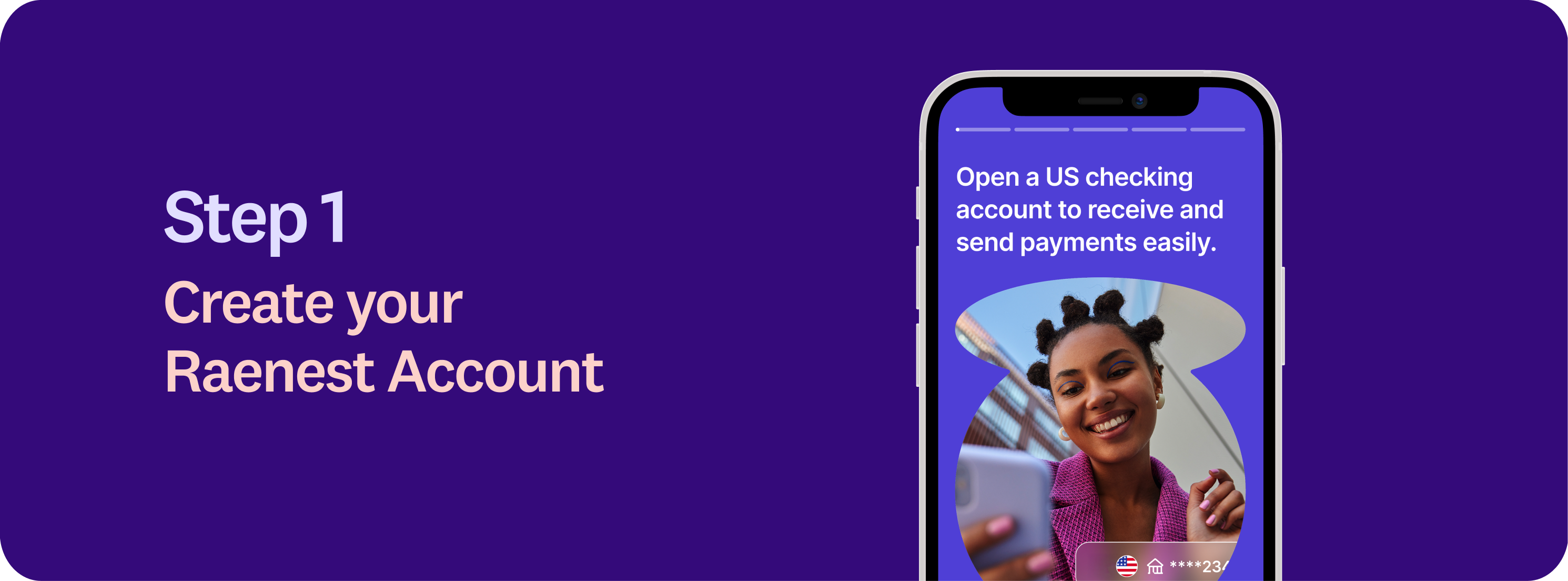
1. Creating your Raenest account
Download the Raenest app or visit the Raenest website to get started.
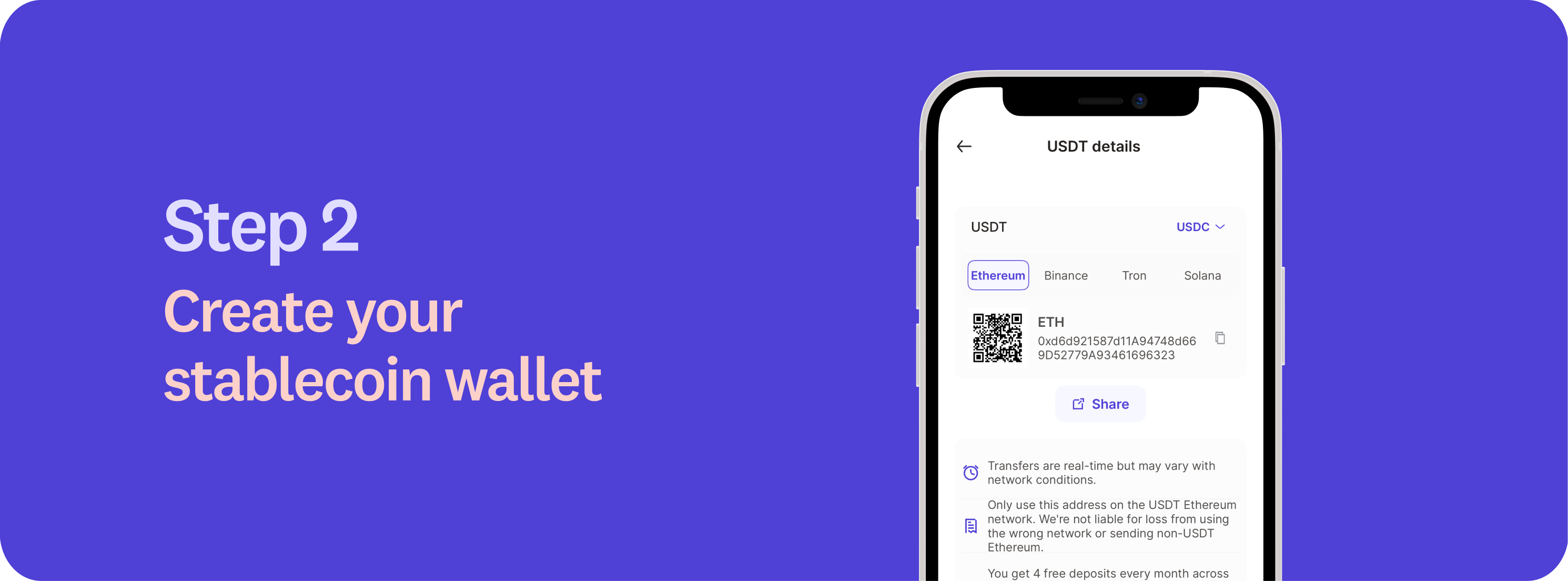
2. Create your stablecoin wallet
Log in to the Raenest app, navigate to the Accounts tab, and select your USD account. If you don’t already have a USD account, you may need to complete a short questionnaire to get started.
Within your USD account, select either USDC or USDT to generate a unique wallet address. This address is where your stablecoins will be sent. Copy this address carefully, it’s unique to your account.
.png)
3. Initiate the transfer from KuCoin
Log in to your KuCoin account and open the Assets or Fiat & Spot section. Click Withdraw and choose the stablecoin you want to send (USDC or USDT). In the withdrawal form, paste your Raenest wallet address as the recipient. Then select the blockchain network that matches the address you generated on Raenest. Ensure the Raenest wallet supports the selected network to avoid issues. Complete the security verification steps (such as email and 2FA confirmation), and submit the withdrawal request.
4. Confirm and send
Enter the amount you want to send and review all details carefully. Double‑check the wallet address and chosen network before confirming. Submit the transaction on KuCoin. Keep in mind that once the transfer is broadcast, crypto transactions cannot be reversed, so accuracy is essential.
5. Funds arrival and conversion
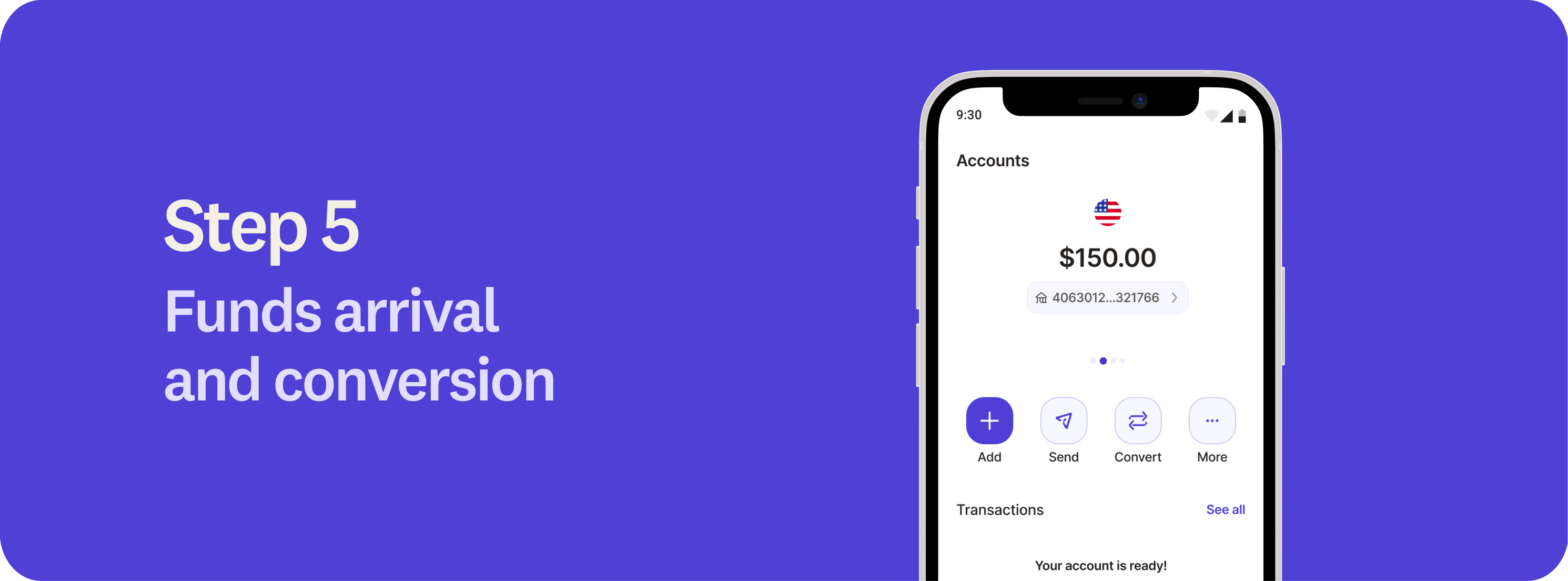
Once the transfer is confirmed on the blockchain, your funds will appear in your Raenest account. Transfers typically take 1 to 20 minutes, depending on the network used. Raenest automatically and instantly converts the received stablecoins to USD at a 1:1 rate, so your funds are ready to use immediately.
6. Fees
Currently, the first four stablecoin deposits are fee-free, allowing you to receive funds at no extra cost. Learn more about our fees here.
Whether you’re a freelancer, remote worker, or business owner, using stablecoins like USDT and USDC for payments can improve how you receive, manage, and move funds across borders. Receive payments in stablecoins with Raenest today. Terms and conditions apply.