
Introducing: Extra Security for Every Transfer on Raenest


Every time you send money with Raenest, we want you to feel confident knowing that your account and money are secure. We earn that confidence by continually strengthening the security measures that protect your transactions and by looking for ways to make your Raenest experience even more secure.
As part of this commitment, we're introducing additional security checks for transfers on Raenest. These checks add another layer of protection by helping us confirm that you're the person initiating the transfer.
In this article, we'll explain why we've introduced these checks, how they work and what you need to know when you're asked to complete one.
Why we've introduced additional transfer security checks
Your Raenest account activity can change over time. You might start using a new device, make your first transfer to a recipient or carry out a transaction that differs from your usual activity. These changes are a natural part of managing your money, but they can also create situations where an additional confirmation helps confirm that you're making the transfer.
This is why we've introduced additional security checks that consider activity around your transfers. By extending these checks to the transfer process, we're adding another way to help ensure you stay in control of transactions from your Raenest account.
How do Raenest's new transfer security checks work?
The additional security checks are built into the transfer process. Every transfer goes through a real-time security check, and based on the activity, it will either proceed as usual or require an extra verification step.
Most transfers go through without any additional verification. However, when we need to confirm that it's really you initiating a transaction, you'll see a prompt asking you to complete an additional check.
This may involve one of the following:
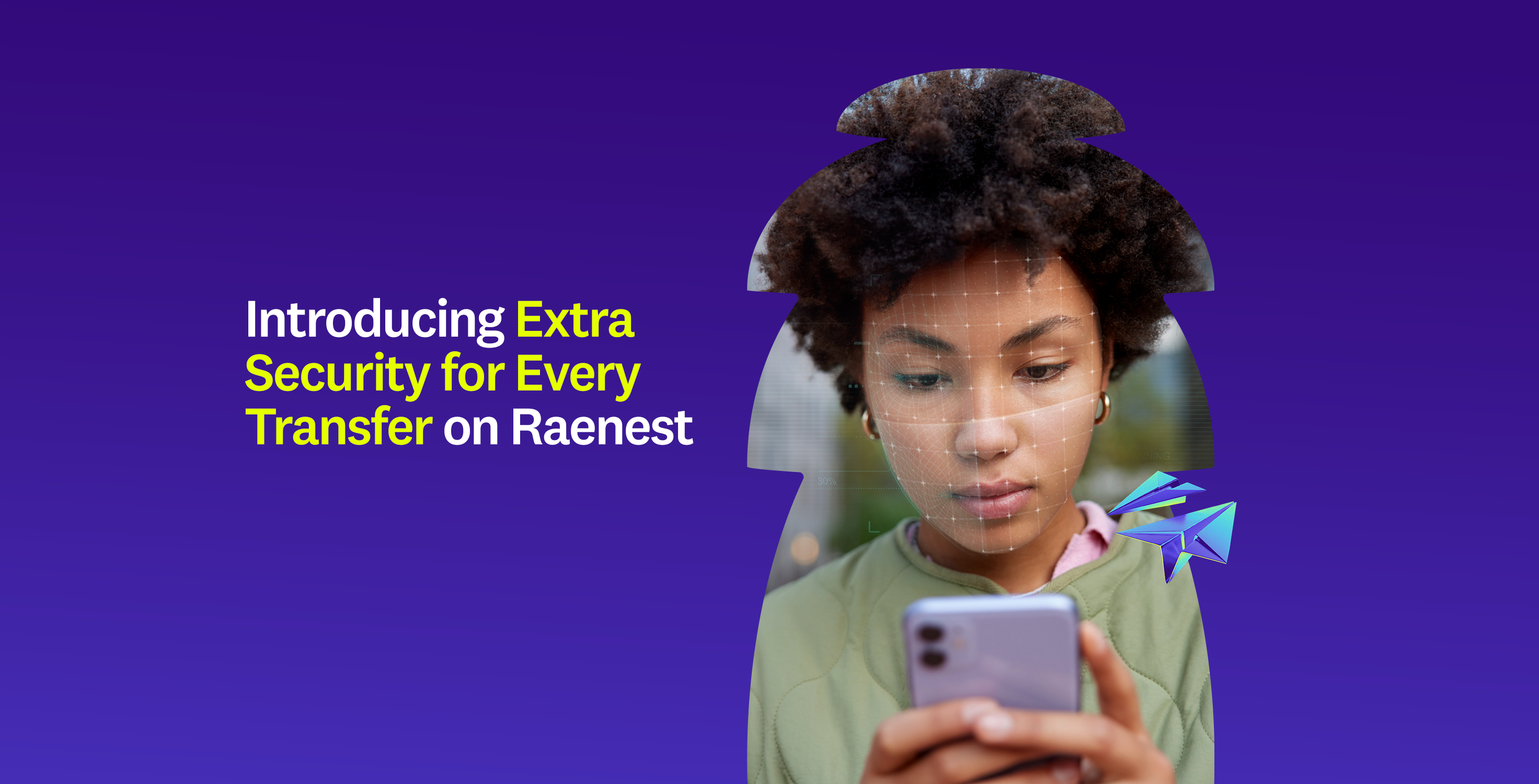
- A quick face check: You'll be asked to complete a face scan to help confirm your identity.
- A one-time verification code: You'll receive a code through your designated verification channel and enter it in the app.
- Both checks: If you're using a new device, you may be asked to complete a face check and enter a verification code.
How the face scan works
When prompted, the app guides you through a short live selfie. You may be asked to perform simple actions, such as blinking or turning your head, to help confirm your identity.
We'll match the scan against the selfie you submitted when you verified your Raenest account. Once the check is complete, you can continue your transfer.
Tips for a smooth face scan
- Find a well-lit spot and face the light.
- Hold your phone at eye level and keep your face within the frame.
- Remove glasses, hats or anything covering your face.
- Make sure your phone has enough battery to complete the process.
What if your face scan doesn't go through?
You have three attempts to complete your face scan. If you're unable to complete it after the third attempt, you'll need to wait five minutes before trying again. Your app will display a countdown so you know when you can retry.
If the face scan doesn't open, it may be because you've started several scans in a short period. Wait 10 minutes before trying again.
If your face scan is successful but your transfer still doesn't go through, contact Raenest Support via the live chat and share a screenshot or screen recording of what you're seeing so the team can assist you.
How the one-time verification code works
Where you receive your verification code depends on your device and two-step login settings.
- If two-step login is enabled and you're using a device you've previously sent money from: Open your authenticator app and enter the verification code displayed there.
- If you're using a new device or don't have two-step login enabled: We'll send a code to your registered phone number through SMS, WhatsApp or Telegram, depending on your selected preference.
If you haven't added a phone number to your account, you'll be prompted to add one before continuing.
Once you complete the required verification, you can continue your transfer. Simply follow the instructions displayed in your Raenest app whenever you're asked to confirm it's you.
When might Raenest ask you to verify a transfer?
An additional verification check may be requested when certain aspects of a transfer or your recent account activity call for further confirmation. This may happen in situations such as:
- You're using a new device: Initiating a transfer from a device you haven't used before may require additional confirmation.
- You're sending money to a new recipient: Your first payment to someone you haven't transferred money to before may prompt a quick face check.
- You're sending a larger amount: A transfer involving a larger amount may require an additional check before it goes through.
- You're transferring at an unusual hour: If a transaction takes place at a time that differs from your usual activity, we may ask you to confirm it's you.
- You've recently changed your account details: Changes to your password, email address, phone number or two-factor authentication (2FA) settings may mean you'll need to verify your next transfer.
These are some of the situations in which you may encounter an additional security check. The required verification may vary depending on the circumstances, so follow the instructions in your Raenest app whenever you're asked to confirm it's you. Learn more about why we might ask you to verify.
More Protection for Your Account and Transactions
The new transfer security checks are part of our continued commitment to protecting your money at every step. They work alongside the security features already available on Raenest, each adding an extra layer of protection for your account and transactions.
In case you haven’t set up any, here’s how you can make the most of the security features available to you:
- Two-factor authentication (2FA): Enable 2FA to add an extra layer of verification when accessing your account.
- 3D Secure (3DS): Eligible card transactions may require additional authentication through 3DS, helping keep your card payments secure.
- Card Freeze: If you ever need to prevent further use of your card, you can freeze it directly from your Raenest app.
Take a moment to review your security settings, enable 2FA if you haven't already, and familiarise yourself with the security features available in your app. We're continually working to strengthen these protections so you can manage and move your money with greater confidence.
Have questions about our security features, need assistance with a transfer, or want to speak with our team? We're here to help. You can reach us through any of our official channels:
- Live chat: Connect with our support team through the Raenest App.
- Email support: Reach us at support@raenest.com.
- Social media: Follow us on our official social channels and join our community channel to stay connected with what's happening at Raenest.