

How to Receive Payments from Etsy as an International Seller

You’ve set up your Etsy shop, your listings are live, and the sales are coming in. Now the most important question: how does the money actually get to you?
If you are an international seller, this is where things can get confusing. Etsy Payments is not available in every country, and even where it is, linking a local bank account is not always straightforward. The good news is that with the right setup, receiving your Etsy payouts is simpler than you might think.
Here is exactly how to do it.
Step 1: Set Up Your Payout Method on Etsy
In Etsy, go to your Shop Manager, then navigate to Finances> Payment Settings. This is where you will connect a bank account to receive your payouts.
You will need to provide an account number and a routing number. Make sure the name on the bank account you link matches the name on your Etsy account exactly. Any mismatch can delay your payouts or flag your account for review. Once connected, you can set your payout schedule to daily, weekly, or monthly, depending on what works best for you.
🔗New to Etsy? Check out our blog on how to get started on Etsy in 2026.
Step 2: Download Raenest and Get Your Account Details
If you do not already have a Raenest account, this is where to start.
- Download the Raenest app on the Play Store or App Store and sign up. The verification process uses your international passport or ID card, and it takes just a few minutes.
- Once your account is set up and verified, tap on the Accounts section inside the app.
- Select the currency you want to receive your Etsy payouts in. USD is the most commonly used currency for Etsy sellers, but GBP and EUR are also available.
- You will find your Account Number and Routing Number displayed there. These are the details you will use to link your Raenest account to Etsy.
Step 3: Link Your Raenest Account to Etsy
Head back to Etsy's Payment Settings and enter your Raenest account details. Etsy will first try to verify your account instantly through a tool called Plaid. If Plaid does not recognise your Raenest account, simply select the Manual option. This allows you to enter your account and routing numbers directly.
Once you’ve entered your details, Etsy will send two small test deposits to your Raenest account within a few business days. Open your Raenest app, check your transaction history, and note the exact amounts. Head back to Etsy and enter those amounts when prompted to complete verification. After that, you’ll be fully connected and ready to receive payments.
A Few Things to Keep in Mind
Your shop country on Etsy must reflect where you’re legally registered, not where your bank account is based. If you’re a seller in Nigeria, for example, set your shop country as Nigeria even if you are using a Raenest USD account to receive payouts.
Payouts from Etsy are not instant. Funds arrive on the schedule you selected, daily, weekly, or monthly, and typically clear a few days after a sale is made.
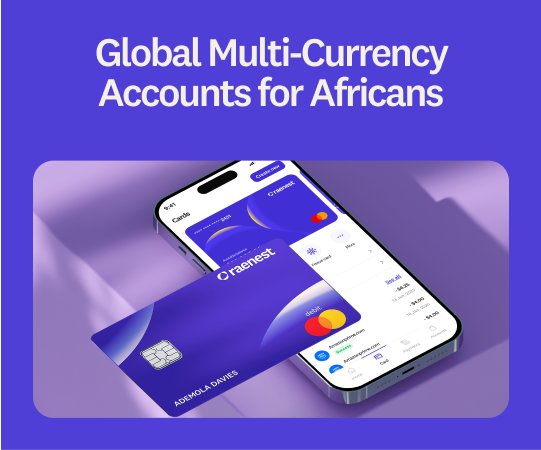
Once your money lands in Raenest, you can hold it in your preferred currency, convert it at competitive rates, send it home, or spend it directly with your Raenest Virtual Dollar Card on Etsy Ads, tools, subscriptions, and any other business expenses. Ready to start receiving payments from Etsy easily? Create a Raenest account now.
.jpg)
.jpg)
.jpg)