
How to Pay for Gemini Pro with the Raenest Virtual Dollar Card


The global gig economy requires using the best digital tools available to stay competitive. Upgrading to advanced artificial intelligence gives remote workers a massive advantage by helping them write code and analyse data instantly. However, accessing premium platforms is incredibly difficult for international professionals because local bank cards are frequently rejected by global payment gateways.
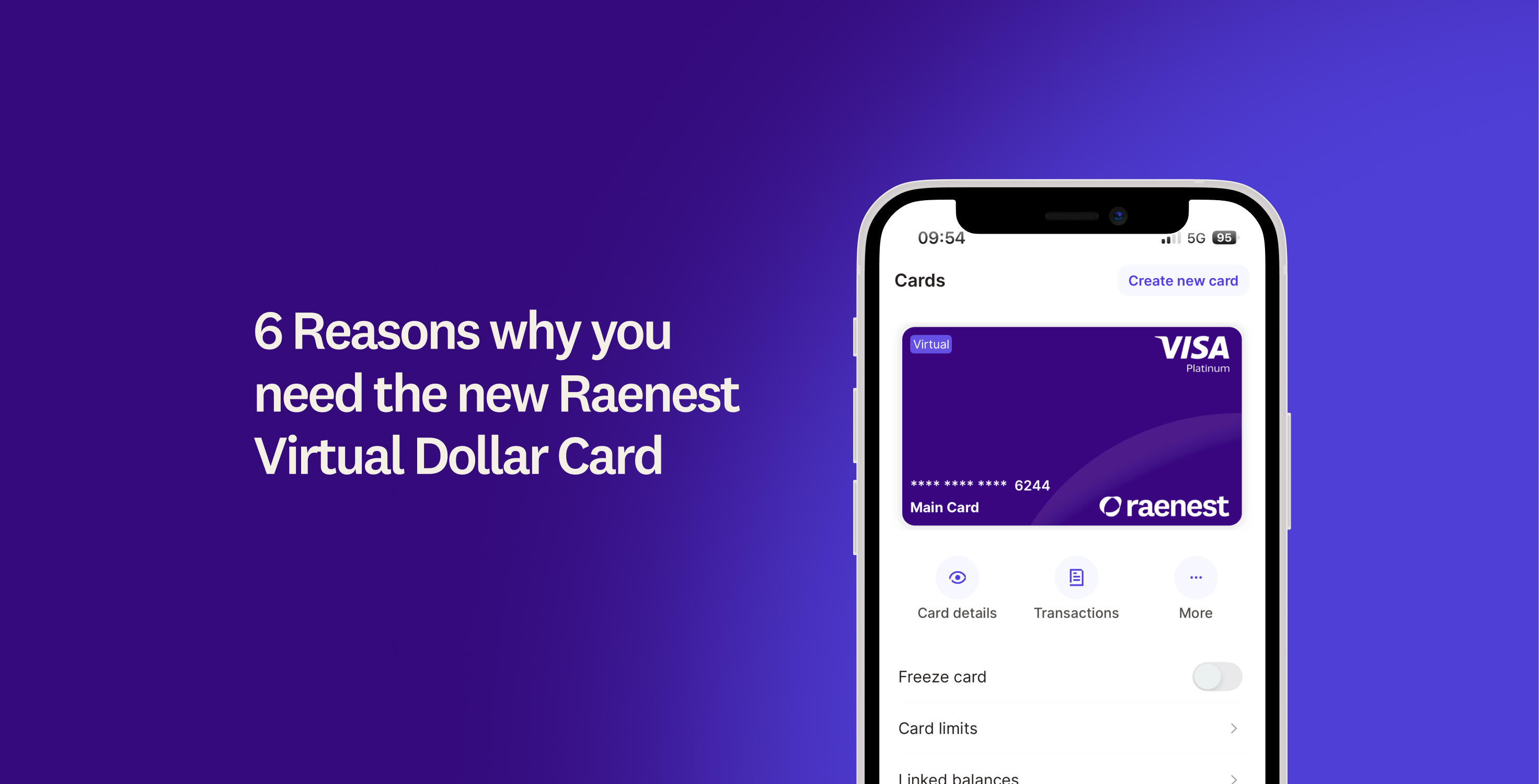
If you’re wondering what dollar card works for Gemini Pro, the Raenest virtual dollar card is your ultimate solution. Here’s how to get one:
Create a Raenest account
Before creating your virtual dollar card, you must first create a Raenest account. This process is easy and takes only a few minutes on your mobile phone.
Once your identity is verified, you will unlock all global financial tools. This allows you to open US bank accounts, manage your international payments effortlessly, and start creating virtual cards.
- Download the Raenest app from the App Store or Google Play Store and select the Personal Account option.
- Enter your email address, create a secure password, and accept the United States Patriot Act terms.
- Choose what you want to do with Raenest from the startup menu, such as getting a USD card or opening a US bank account.
- Tap Verify Now on your dashboard to fill out your personal profile, verify your home address, and upload your official identification.
- Add and verify your Bank Verification Number during the identity step if you reside in Nigeria.
- Wait for your verification to be approved.
Create your Virtual Dollar Card
Once your account is active, you can create your Raenest virtual dollar card directly from your dashboard. There’s a small one-time setup fee ($3), so ensure your US Dollar balance covers both this setup fee and the amount you want to pay.
Your new card comes with two distinct billing addresses, giving you maximum flexibility online. You receive a verified US billing address for international platforms like Google, alongside a local address for platforms that accept your home region.
Once your virtual dollar card is ready, add it to the App Store (for iOS users) or the Google Play Store (for Android users). Once that’s done, you can easily tap-to-pay, purchase subscriptions, or shop on your favourite international websites:
- iOS users can refer to this guide to add the Raenest Virtual Dollar Card to the App Store.
- Android users can use this guide for adding the Raenest Virtual Dollar Card to the Google Play Store.
How to find your US Billing Address
Google requires a valid US billing address to process your upgrade successfully. Finding this information on the Raenest app takes less than a minute and requires only a few taps.
Note that you must use this specific US address instead of your local home address to prevent Google from declining your payment. To find yours;
- Tap your new virtual card in the app, then select View Card Details to reveal your private information.
- Tap the copy button right next to your US billing address and postal code.
Step-by-Step Guide to Upgrading
Now that you have your card details and billing address, you’re ready to upgrade your Gemini account. The process is straightforward and takes place entirely within your Google account settings.
Your payment will process instantly in US Dollars, giving you immediate access to advanced artificial intelligence tools. You can then use these premium features to speed up your daily freelance workflow.
- Open your web browser and navigate to the Google One AI Premium subscription page.
- Select the option to add a new debit card when prompted to choose a payment method.
- Paste your sixteen-digit Raenest virtual card number, the expiry date, and the security code into the billing section.
- Paste the US billing address and postal code you copied from our app into the required fields.
- Click the subscribe button to complete the transaction and unlock your new features.
Ready to upgrade your tech stack? Create a Raenest Virtual Dollar card today.
.jpg)