
How to Get Started on Upwork and Get Your First Job


The year is 2026, and Upwork has grown into one of the largest marketplaces for independent work, connecting businesses with freelancers across more than 180 countries. In 2025, businesses spent about $4 billion through the platform, while Upwork ended the year with 785,000 active clients. The kind of work happening on the platform is changing too. AI-related work alone surpassed $300 million in annualised volume in the fourth quarter of 2025, growing more than 50% year over year.
But knowing that opportunities exist is only the starting point. If you're new to Upwork, you need to understand how the platform works, create a profile that shows what you can offer, find jobs that match your skills, and know how to turn a proposal into your first client and paid project. This guide takes you through that journey step by step.
Key takeaway on how to get started on Upwork
Getting started on Upwork involves creating a freelancer account, completing your profile, adding relevant work samples, finding jobs that match your skills, using Connects to submit proposals, and communicating with clients through the platform. If you're new to freelancing, you can still start without previous Upwork experience by building a focused profile and portfolio around the skills you can offer.
How Does Upwork Work for Freelancers?
Upwork works by connecting businesses that need work done with independent professionals who can provide the skills they need. As a freelancer, you create a profile that showcases your skills and experience, search for projects that match what you offer, and submit proposals to jobs you want to work on. When a client chooses you, you agree on the project terms, complete the work and get paid through Upwork.
The process is straightforward: Create your profile → Find relevant jobs → Submit proposals → Get hired → Complete the work → Get paid
🔗Do you know you can receive your Upwork payments in less than an hour with Raenest FastTrack? Try it out today.
How Do Freelancers Find Work on Upwork in 2026?
Businesses post projects on Upwork describing the work they need, their requirements and, in many cases, their budget and preferred experience level. Freelancers can search these listings using keywords, categories and filters to find opportunities that match their skills.
You don't need to apply for every job you come across. The goal is to identify projects where your skills and experience closely match what the client is looking for.
How Do Freelancers Apply for Jobs on Upwork?
Once you find a suitable project, you can submit a proposal explaining why you're a good fit. Depending on the job, Upwork requires freelancers to use Connects when submitting proposals.
Your proposal is your opportunity to show that you understand the client's needs, highlight relevant experience and work samples, and explain how you can help with the project.
How Do Freelancers Get Hired on Upwork?
If a client is interested in your proposal, they may message you to ask questions, discuss the project or arrange an interview. If you agree on the scope, price and other terms, the client can send you an offer, and you can begin working under an Upwork contract.
How Do Freelancers Get Paid on Upwork?
Upwork supports both hourly and fixed-price work, so the way you’re paid depends on the type of contract you have with the client. Once you complete work under an Upwork contract, payment is processed through the platform according to the contract type and Upwork's payment terms.
Now that you understand the process of how Upwork works, let’s look at how to get your own account, profile and portfolio ready to compete for those jobs.
How to Get Started on Upwork as a Beginner?
To start freelancing on Upwork, you'll need to create an account as a freelancer. Creating an Upwork account is free and only takes a few steps.
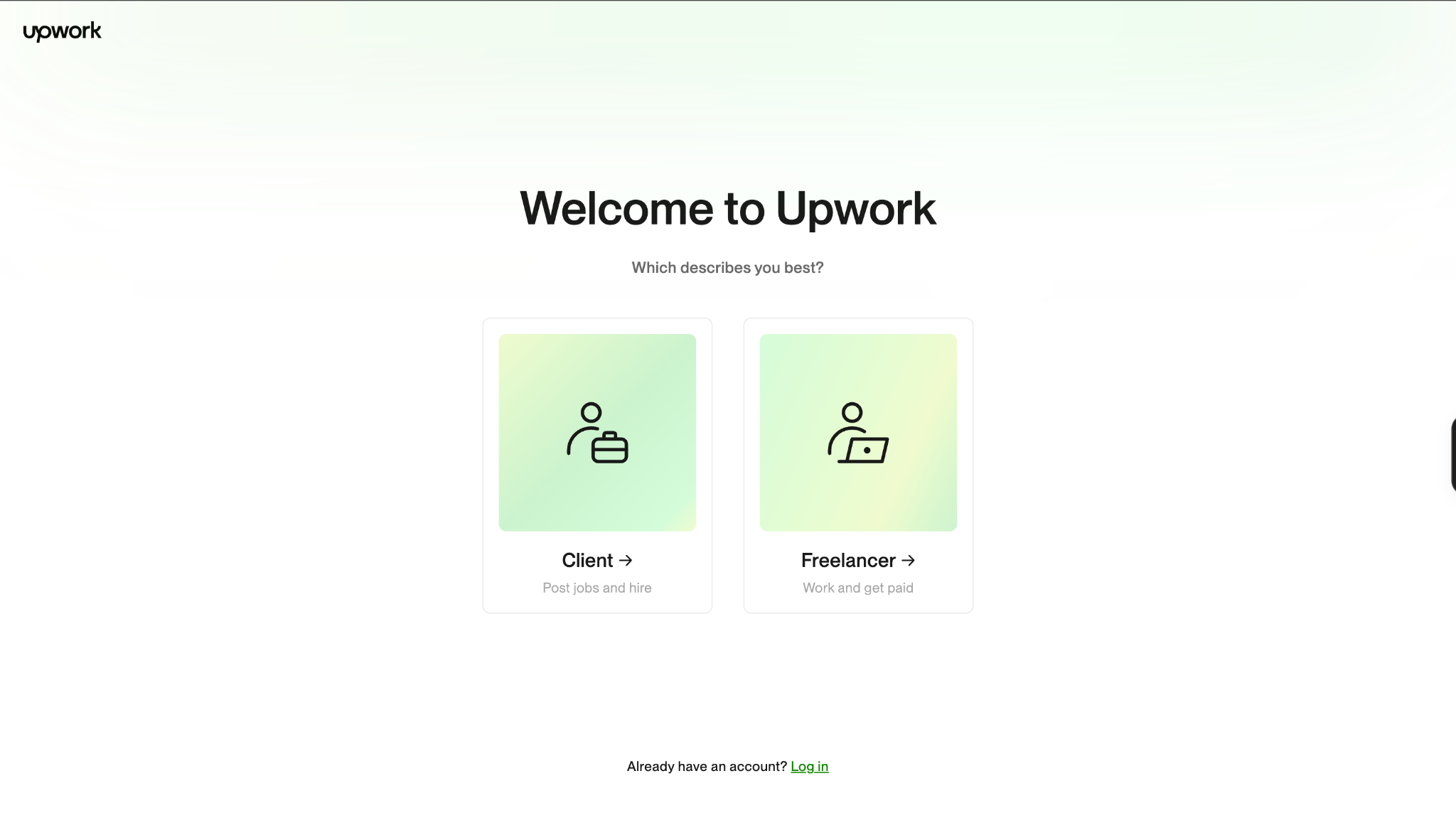
Go to the Upwork website and click Sign Up. When asked how you want to use Upwork, select “Freelancer. Work and get paid.” From there, follow the steps to create your account.
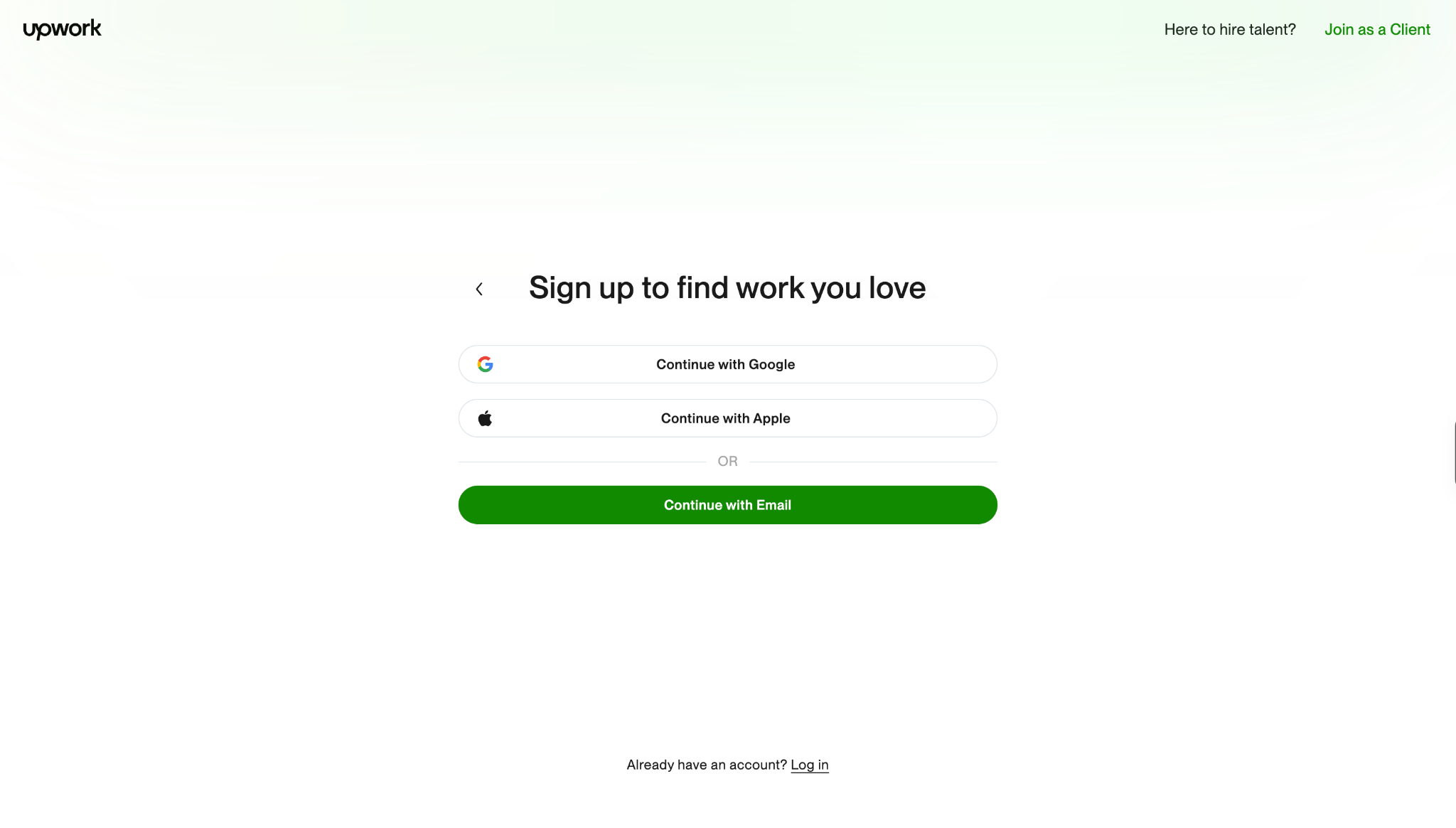
Take a minute to review the Upwork Terms of Service, including the User Agreement and Privacy Policy, before checking the box to continue. The terms help you understand how to work safely on Upwork and how the platform protects both clients and freelancers.
Once that’s done, follow these steps to begin setting up your freelancer profile.
- Create Your Upwork Profile
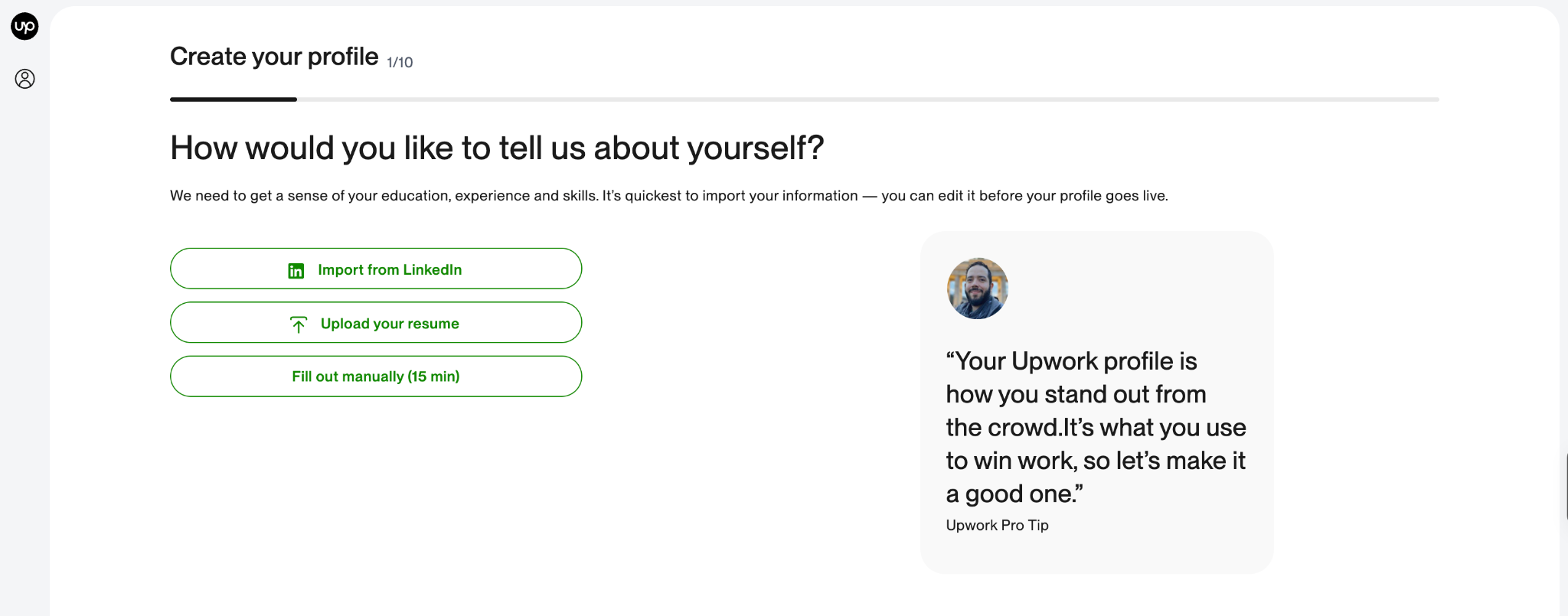
Your Upwork profile is one of the first things clients look at when deciding whether to consider your proposal, view your portfolio or contact you about a project. It should give potential clients a clear picture of what you do, the skills you offer and the kind of work you can deliver. To start applying for projects, you'll need to add these essential details to your profile:
- A profile photo
- A profile overview
- At least one employment history item
- At least one skill
- Your desired rate
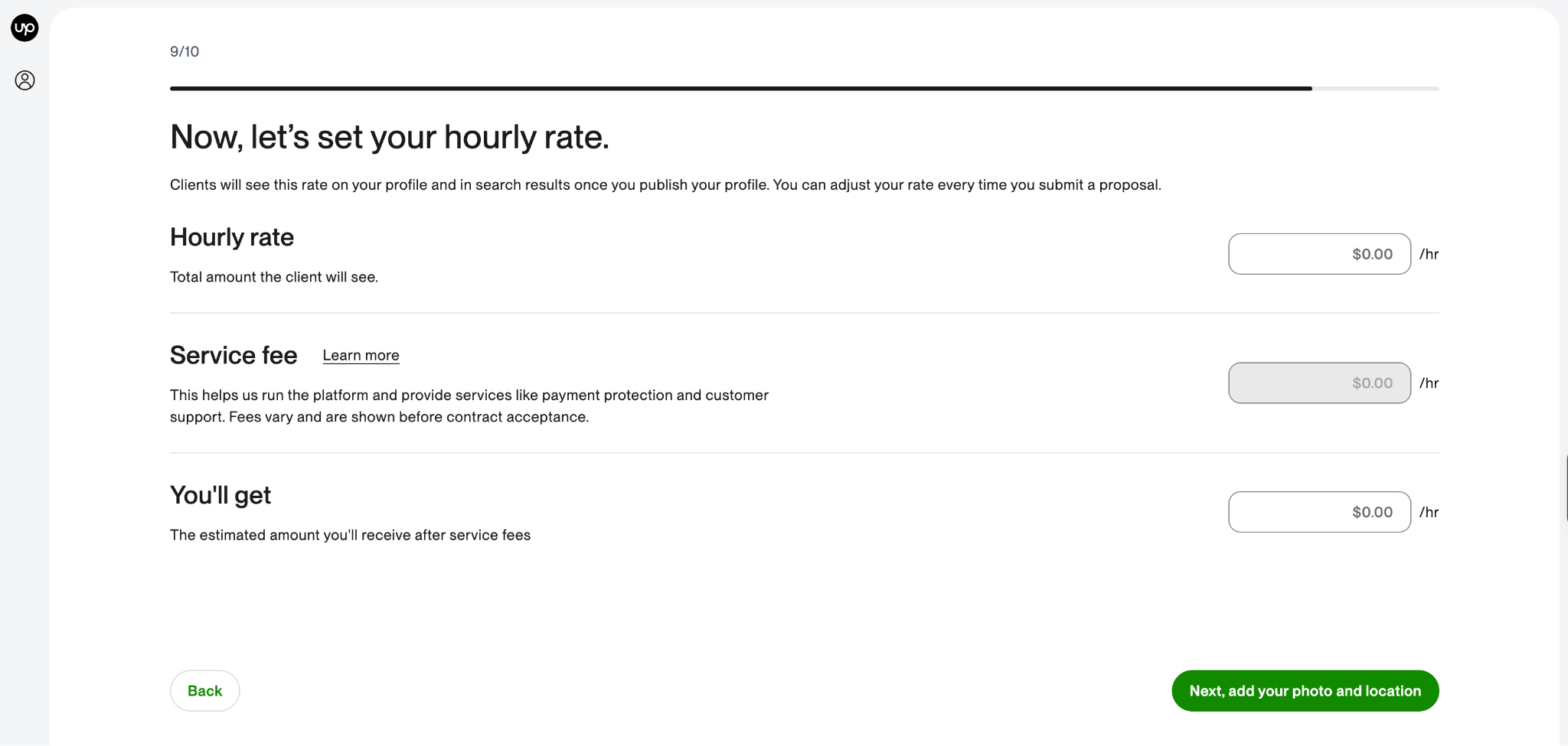
Once you've added these details, you can strengthen your profile with relevant education, portfolio samples, certifications, and other information that demonstrates your expertise.
Take your time to fill it out and preview it before you submit. A complete profile can also make you eligible for Upwork talent badges, which recognise certain freelancer achievements and qualities on the platform. As you build your experience and track record on Upwork, these badges can become another way to demonstrate your credibility to potential clients.
.jpg)